Absences at a Glance
Vacation, sickness, training, military service — Klacks shows you who is away and when in a clear Gantt chart spanning the whole year.
How it works
- Every absence appears as a colored bar on the person's timeline — overlaps and clusters jump out immediately.
- You define your own absence types, with color and behavior (paid/unpaid, with/without effect on hours).
- Exporting to PDF takes one click — handy for notice boards or filing.
- Absences feed directly into planning: anyone who is away is not scheduled by Auto-Planning: One Click, the Rest Runs in the Background, and the conflict is immediately visible in the The Schedule Grid: Your Interactive Time Matrix.
Good to know
- The Gantt overview is great for team vacation planning: an entire summer's bottlenecks at a glance.
- If someone drops out at short notice, Klacks immediately shows qualified, available replacements — without upending the whole schedule.
- Absence values (e.g. a full or half vacation day entry) are summed up in the reports' hours evaluations.
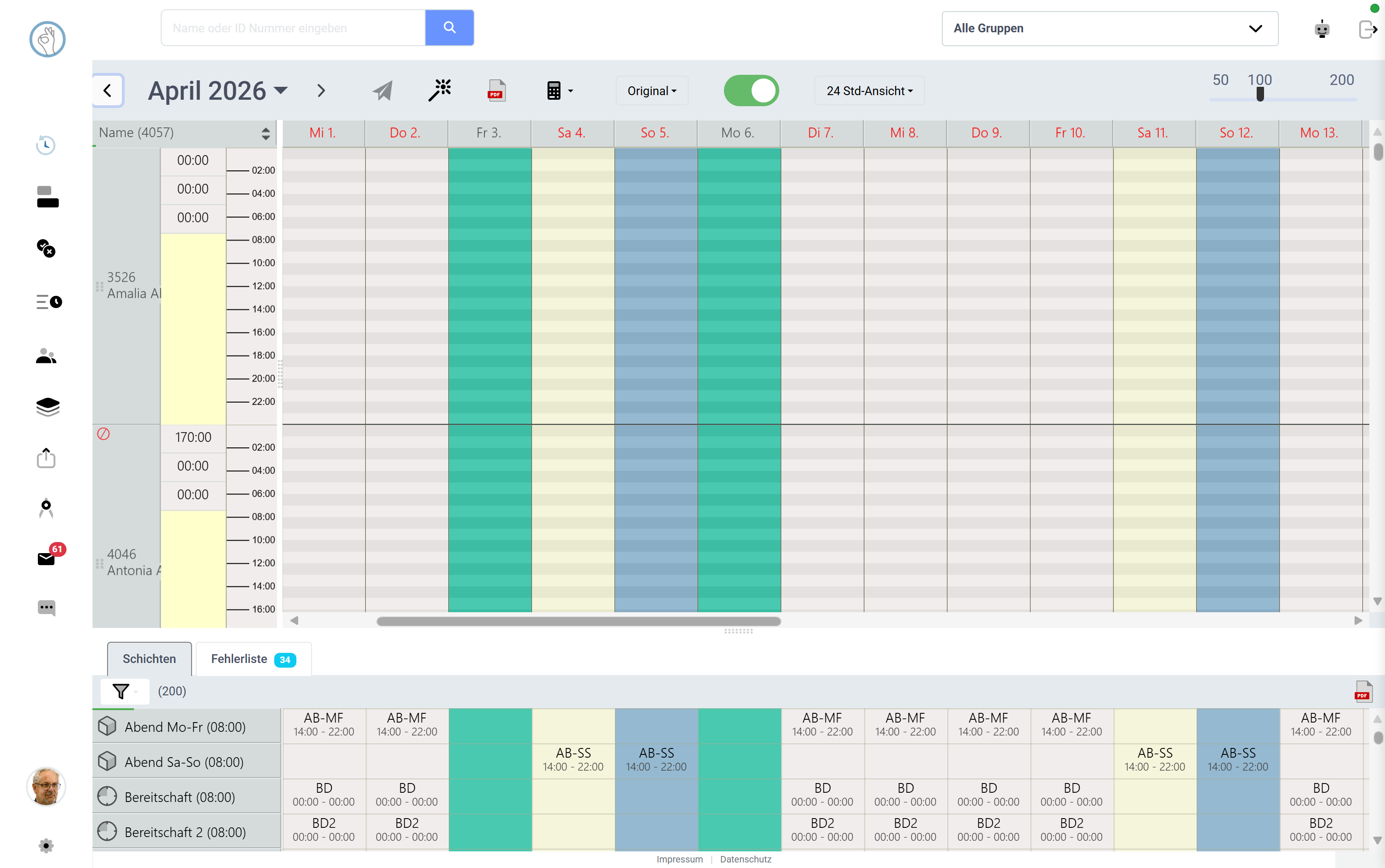 Screenshot shown in German — the app itself is available in English.
Try it yourself: Klacks Playground — login admin@test.com / P@ssw0rt1, data resets daily.